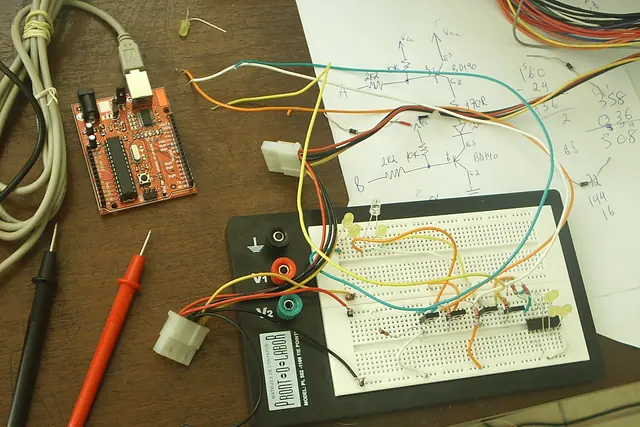
It is the first question in almost every robotics project: Arduino or Raspberry Pi? The honest answer is that they are different kinds of machine, and the right choice depends on what your robot has to do.
The short answer
- Use an Arduino when the robot must react instantly and reliably: motors, servos, sensors.
- Use a Raspberry Pi when the robot must see, think or connect: cameras, AI, Wi-Fi, a web interface.
- Use both when it must do all of that. Most capable robots do.
What an Arduino is
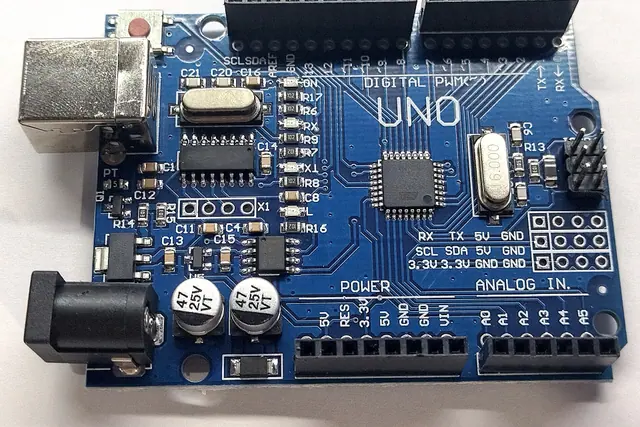
An Arduino is a microcontroller board. It runs a single program that starts the moment power arrives. There is no operating system, so nothing interrupts your code: when you tell a pin to switch, it switches within microseconds. That predictability is exactly what motors and sensors need.
An Arduino Uno has modest resources: an 8-bit processor running at 16 MHz with 2 KB of working memory (RAM). That is plenty for reading sensors and driving motors, and nowhere near enough for processing video.
What a Raspberry Pi is
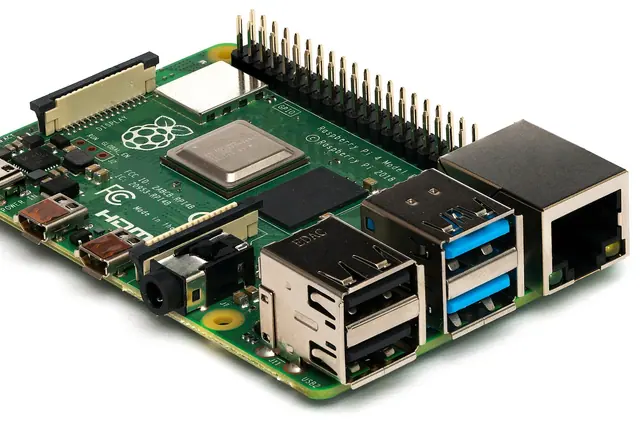
A Raspberry Pi is a single-board computer. It runs Linux, has gigabytes of memory, and comes with USB, HDMI, Wi-Fi and a camera connector. You can program it in Python, run a web server on it and run AI models for detecting objects or faces.
The cost of that power is timing. Linux is busy doing many things at once, so a Pi cannot promise to switch a pin at an exact microsecond. It also takes time to boot, and it should be shut down properly to protect its SD card.
Side by side
| Arduino Uno | Raspberry Pi 4 | |
|---|---|---|
| Kind of device | Microcontroller | Single-board computer |
| Operating system | None | Linux |
| Start-up | Instant | Tens of seconds |
| Timing | Precise, real-time | Not guaranteed |
| Analogue inputs | Built in | Needs an extra chip |
| Camera and AI | No | Yes |
| Networking | Needs an add-on | Wi-Fi, Bluetooth and Ethernet built in |
| Power use | Very low | Higher: needs a solid 5 V supply |
| Typical languages | C and C++ | Python, and almost anything else |
Using both together
The most common design for a capable robot splits the work. The Raspberry Pi is the brain: it reads the camera, runs the model and decides where to go. The Arduino is the nervous system: it receives simple commands over USB or serial, such as "left motor 60%", and turns them into exact signals for the motor driver.
Where the ESP32 fits
The ESP32 is a microcontroller with Wi-Fi and Bluetooth built in, at a very low price. It is the natural choice for a connected sensor or a small remote-controlled device that does not need a camera or a full computer.
How to decide
- 01List what the robot must sense, decide and do.
- 02If nothing on the list needs a camera, a network or heavy computation, start with an Arduino.
- 03If it needs vision or AI, add a Raspberry Pi and let the Arduino keep the motors.
- 04If it only needs to report over Wi-Fi, consider an ESP32 on its own.
This is the reasoning we follow in the robotics lab at Resbrotherx.